Loaner Heart Rate Monitors
Set up loaners for first-time users or users who forget their heart rate monitor. The loaner will only link to an athlete for one session and then disconnect, so it can be used for another user.
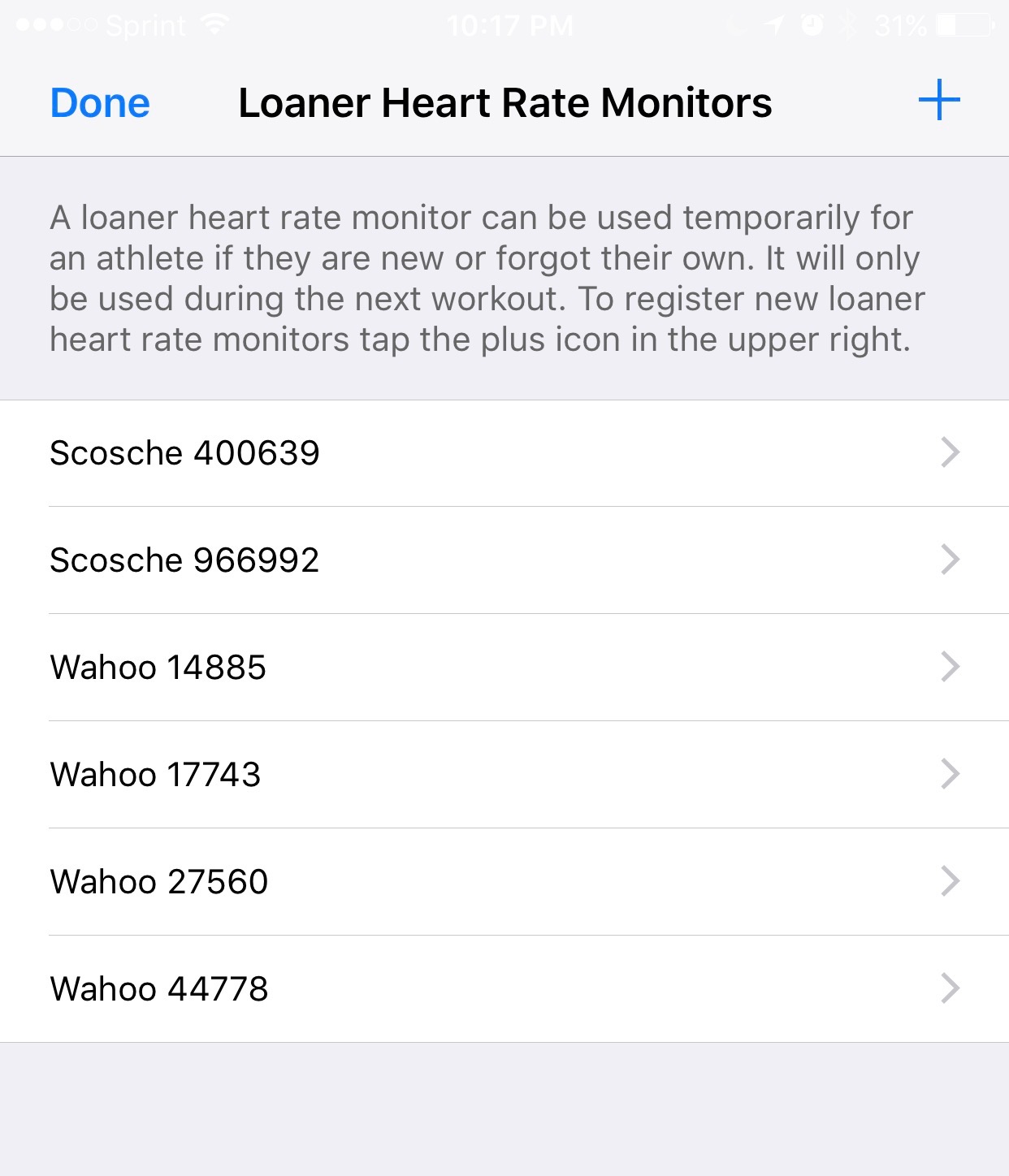
Under the Main Menu, select Loaner Heart Rate Monitors. You will see a list of all existing loaners. Choose the plus icon to add more loaners.
We recommend using a label maker to put names or numbers on the monitors. Otherwise, it will be difficult to tell them apart. Number the loaners something like 1, 2, 3 or A, B, C, etc.
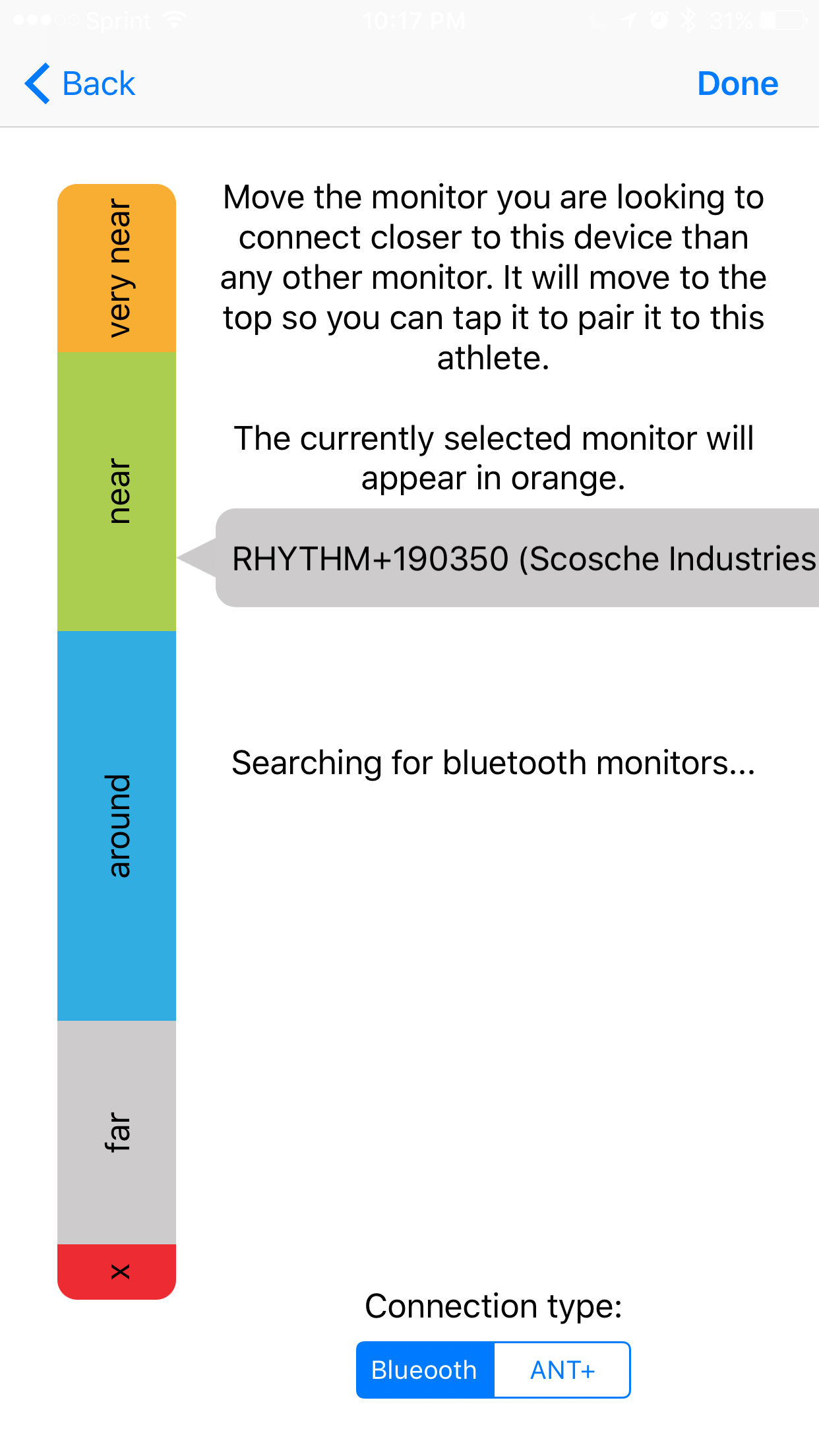
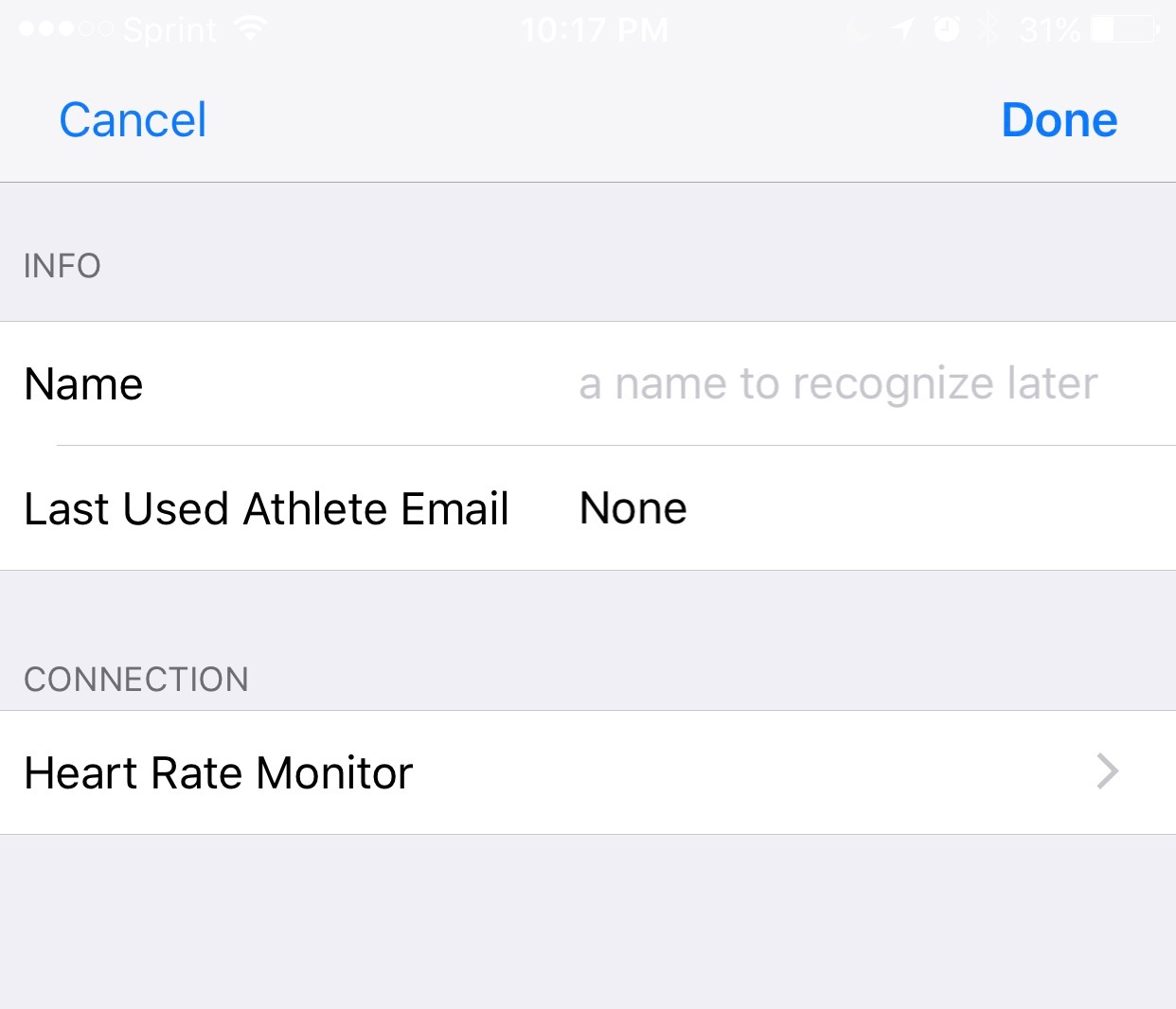
Choose Connection/Heart Rate Monitor
In some cases, you may have multiple monitors nearby and not know which to connect to. Hold the monitor directly against the iPad (Bluetooth mode) or WASP (ANT+ mode) to identify which one to link. Your loaner monitors will now be available when adding a user to the screen.
If the heart rate monitor does not appear, confirm it has not already been saved to a different loaner. A single heart rate monitor cannot be saved to multiple loaners.
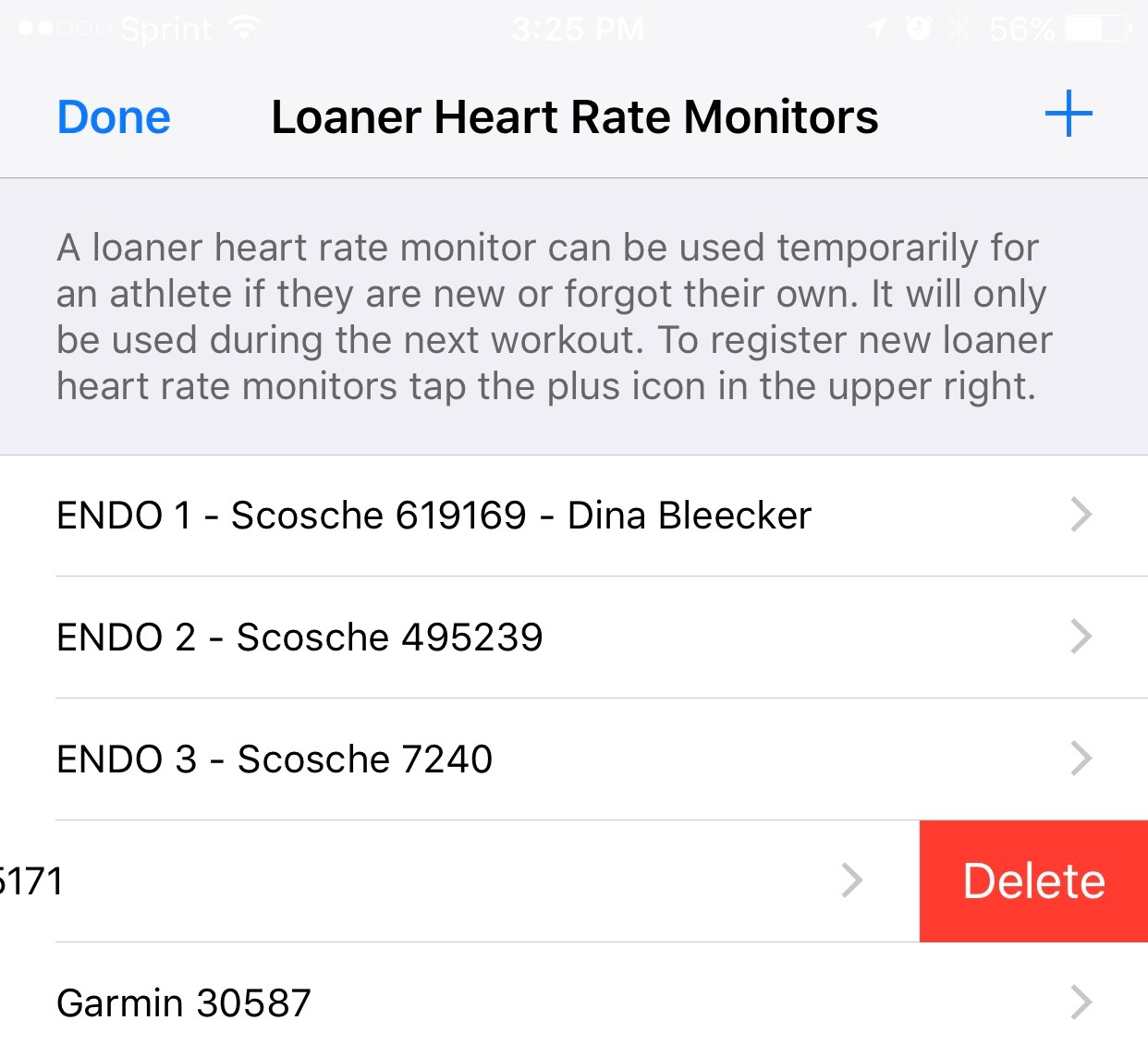
To delete an existing loaner, swipe the loaner to the left and you will see a delete option.