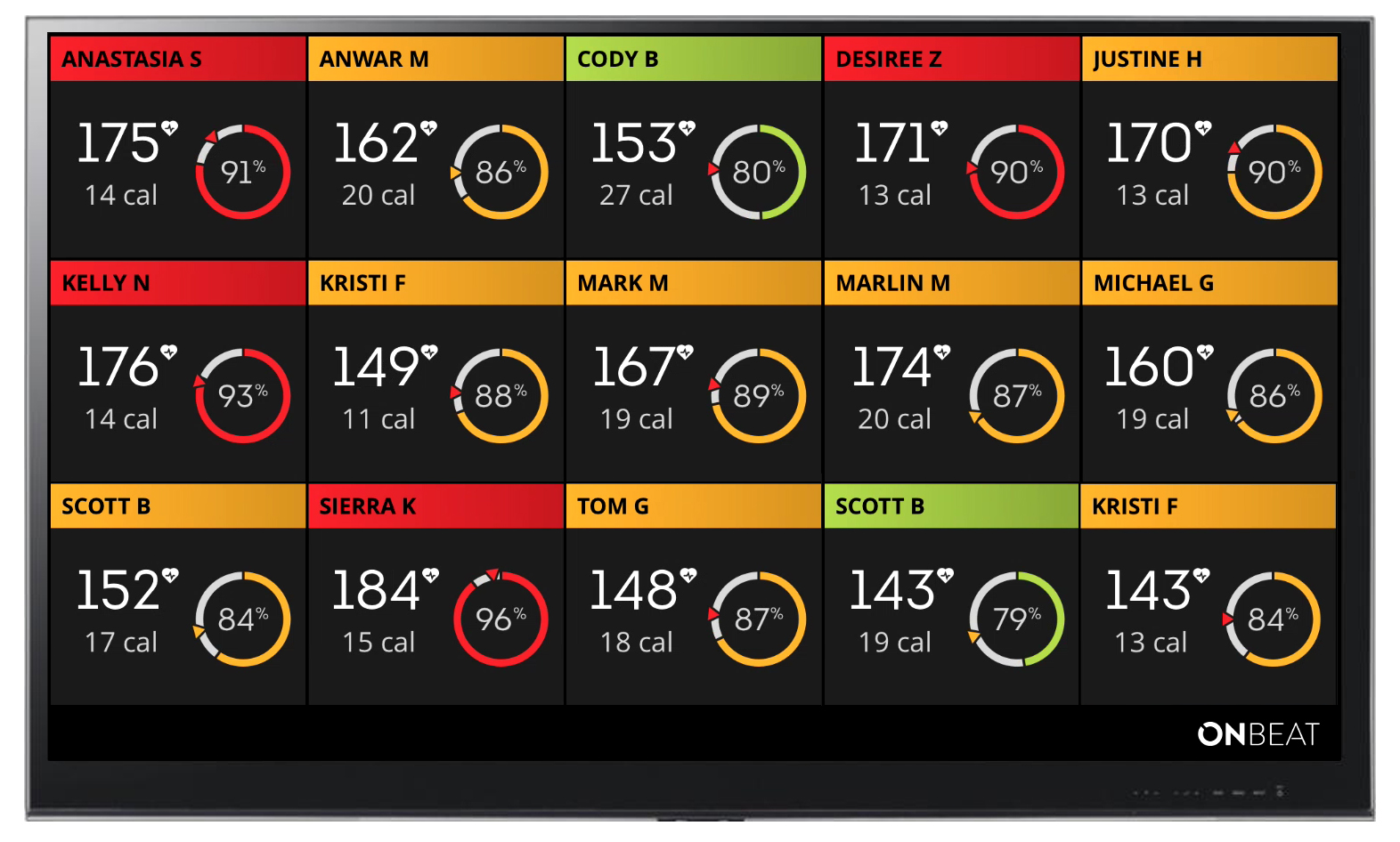
How do I use screen mirroring from my iPad or iPhone to display heart rates?
An Apple TV can mirror the iPad/iPhone screen to your TV. For the second and third-generation Apple TVs, your device must be on the same Wi-Fi network as the Apple TV. The fourth-generation Apple TVs can connect through Wi-Fi or Bluetooth.
To mirror your iPad or iPhone, swipe up from the bottom of your screen and choose "AirPlay Mirroring."
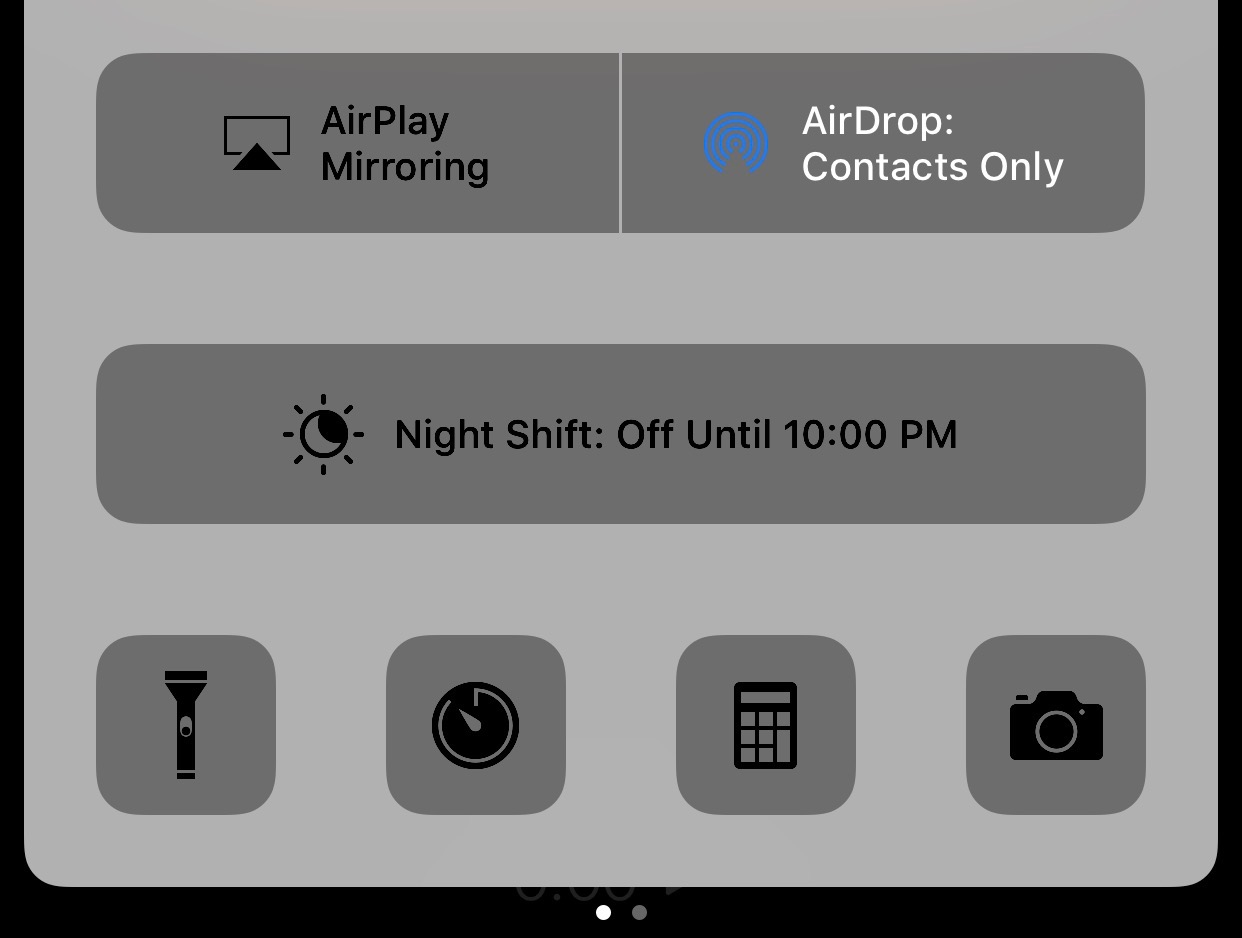
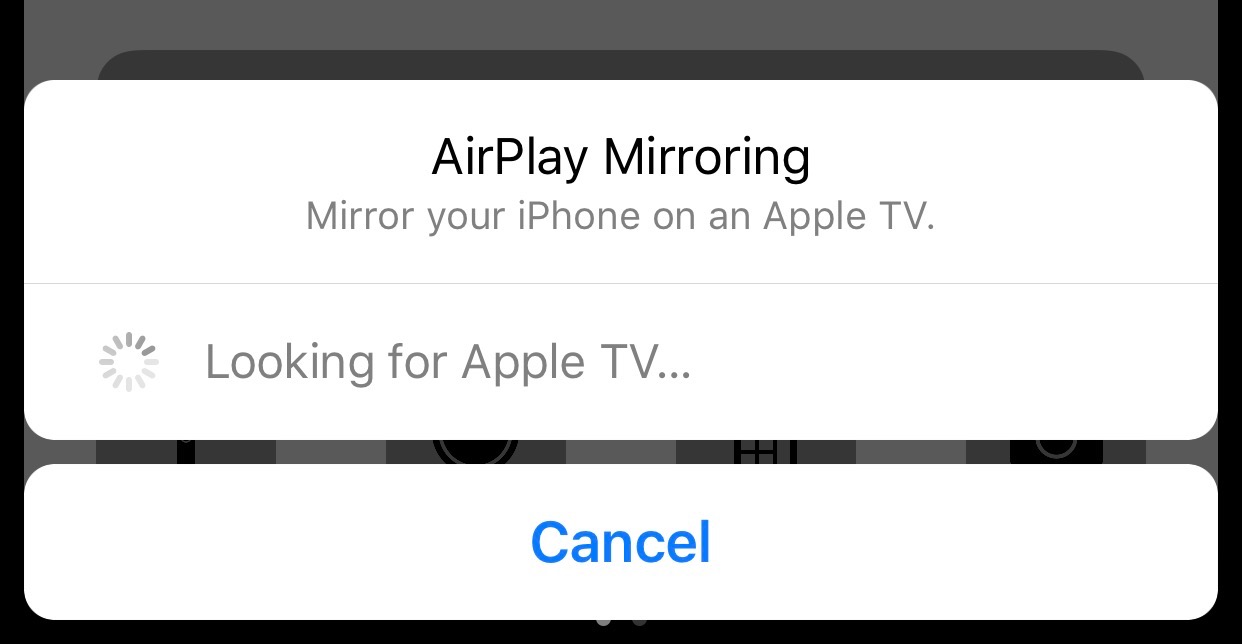
Your iPad or iPhone may ask for a four-digit code to connect to the Apple TV. The code appears on your TV; enter it on your iPad or iPhone.
If the Apple TV is connected properly, it will appear on your list of Apple TVs.
The grid of athletes will then appear on the TV.