How do I delete the profile of an athlete/client?
You can delete an athlete profile from your iPad/iPhone with the following steps:
- Press the plus icon
- Find the name under "Manually Choose Existing Athlete"
- Swipe their name to the left
- Select the delete option
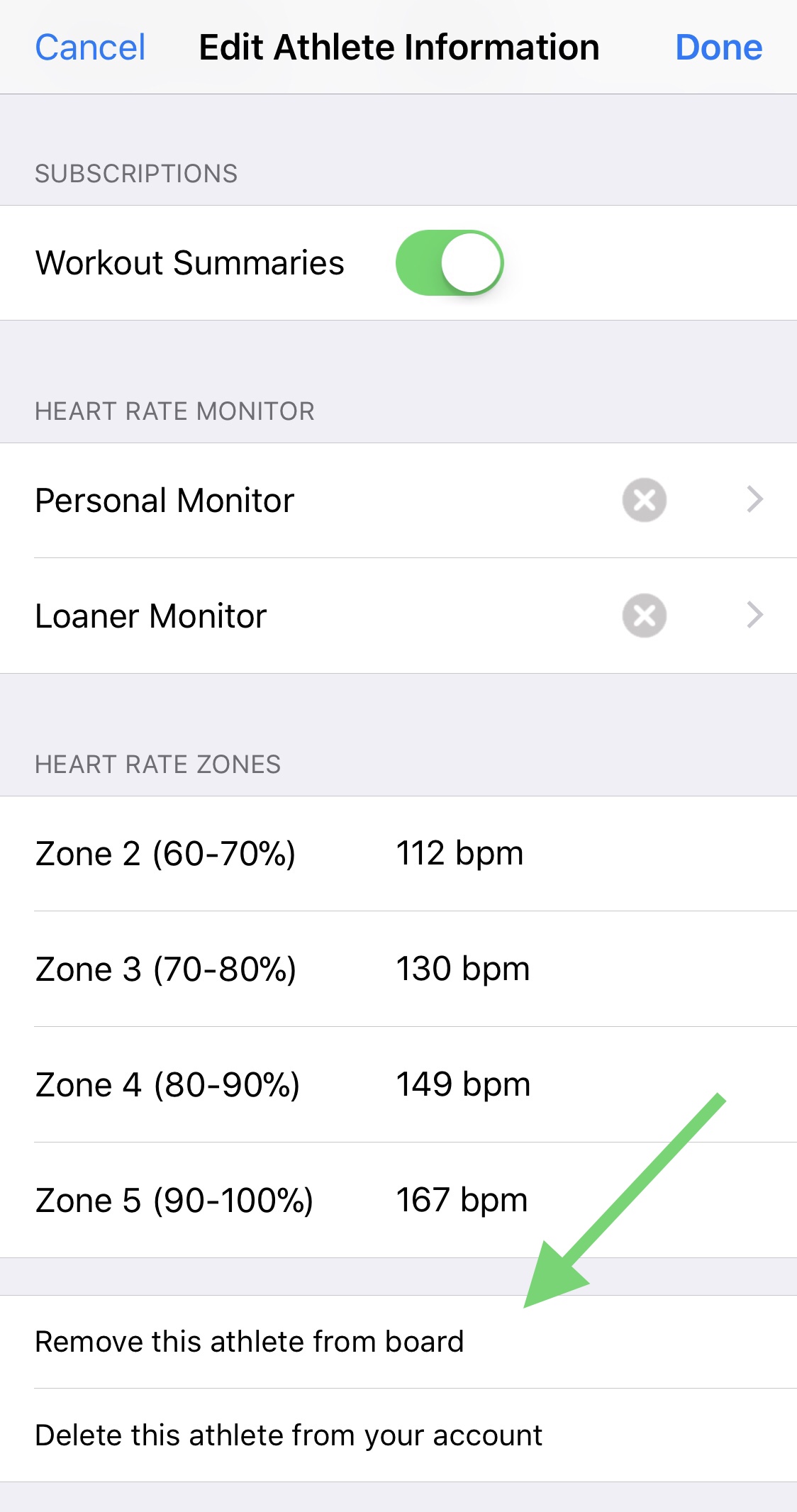
You can edit an athlete's profile and choose "Delete this athlete from your account" at the bottom.
Deleting an athlete from your iPad or iPhone does not delete them from the OnBeat server because the person may be using OnBeat at another gym or using our personal app.