View Workout Results in the app
Once a workout is complete, the data is sent to the OnBeat server. This allows the athlete to see their results in the OnBeat personal app.
To view the workout results:
- Add the athlete to the screen.
- Once on the screen, select the athlete's name.
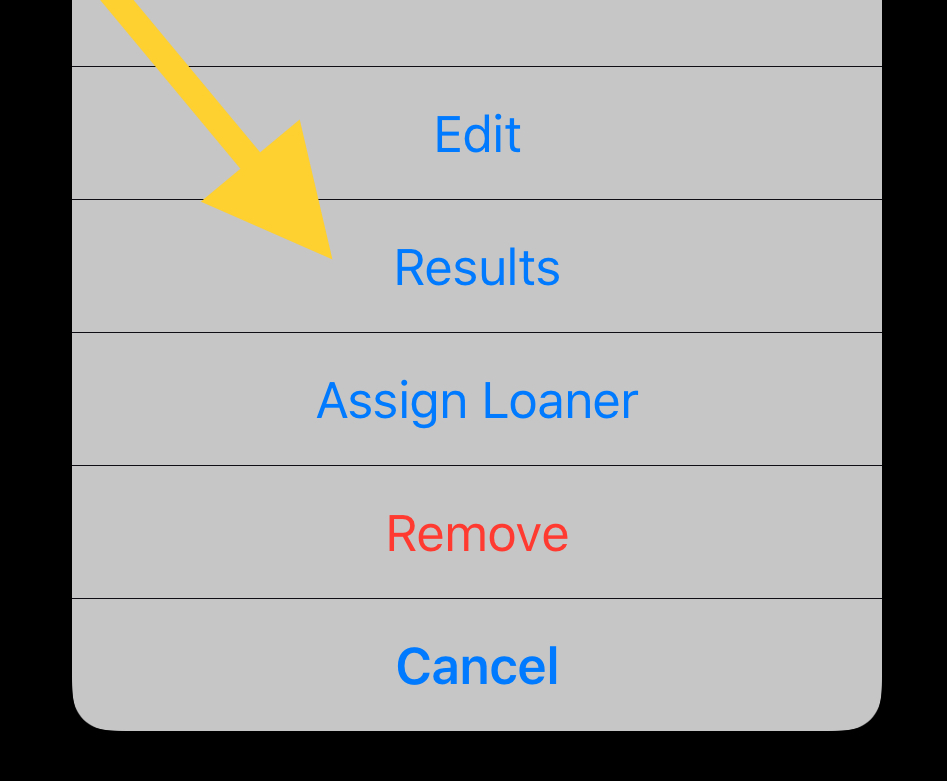
- Select Results.
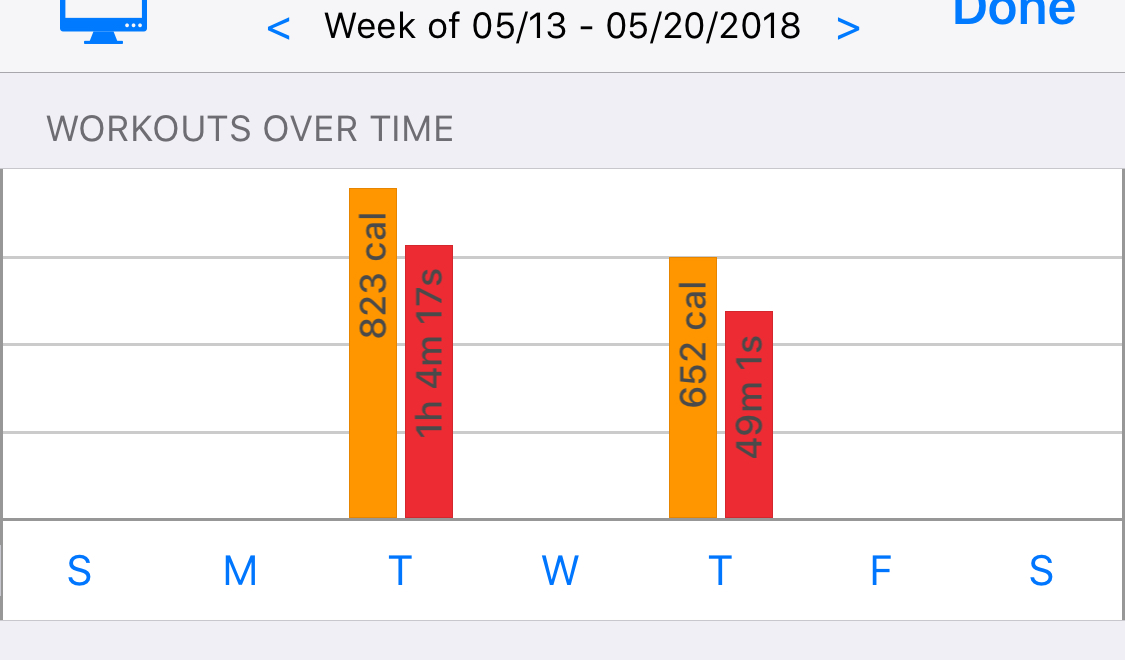
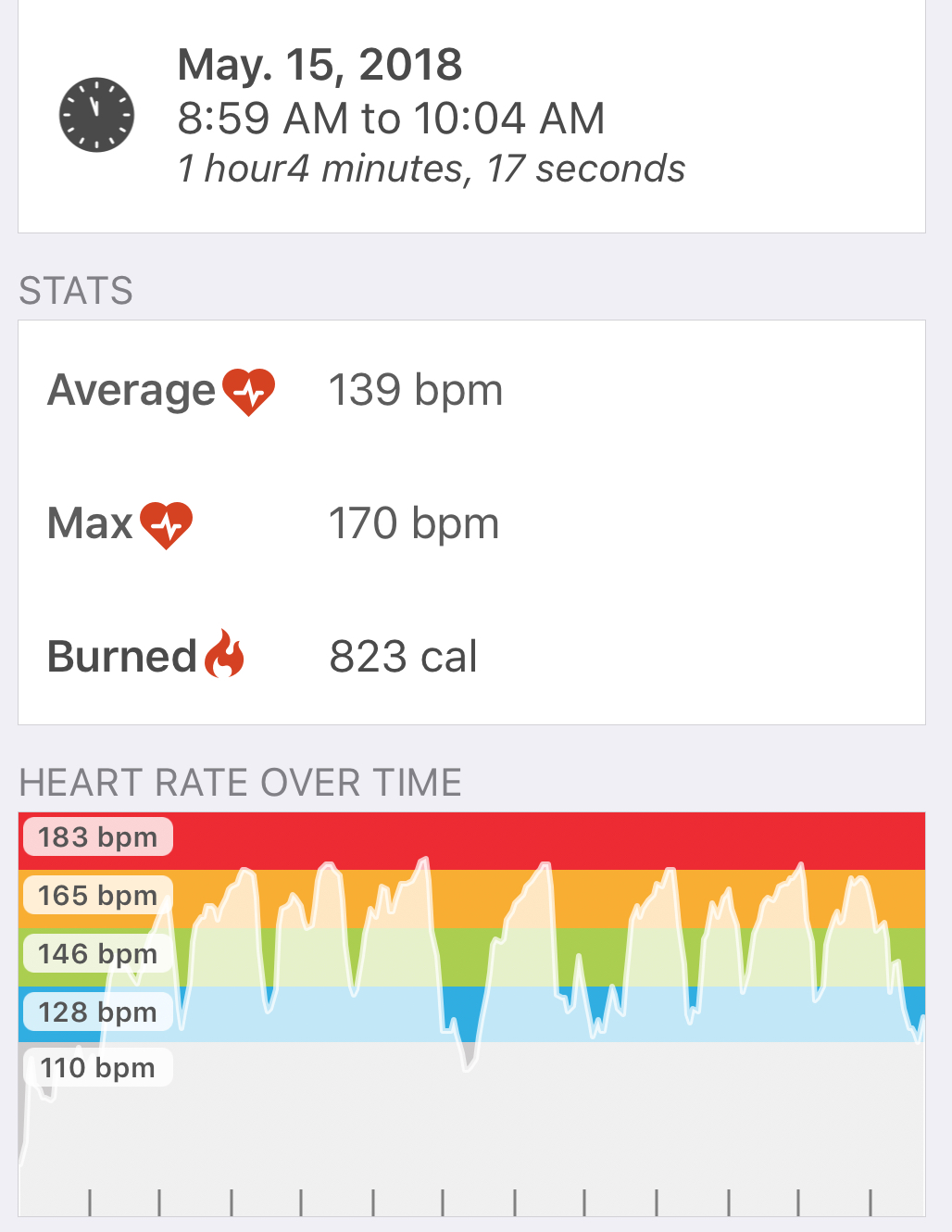
- Once the summary appears, choose the day of the week to view the line graph and more details.
- Scroll down to see all the details of the percent and time in each zone.